Understanding Network Devices: How the Internet Actually Reaches Your Code
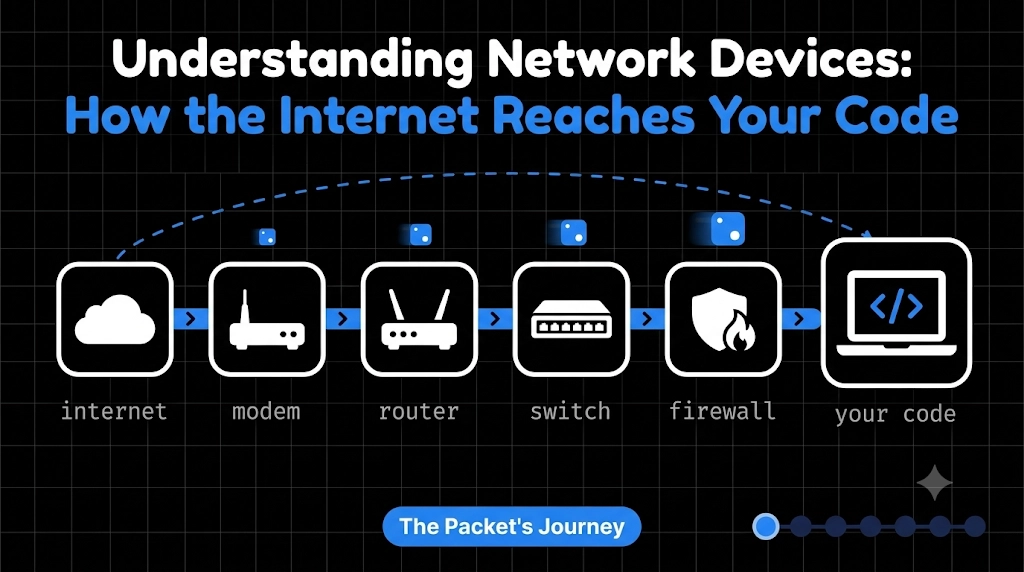
You open a website, and it loads in under a second. Looks like magic, right?
Behind that one click, your request passes through a chain of devices: a modem, a router, a switch, a firewall, and maybe a load balancer. As a software engineer, you don’t need to configure them, but you do need to know what they do. When your app is slow or unreachable, this is where the answers are.
This blog is for beginners. We’ll go one device at a time, with one job each.
The Big Picture
Your internet journey looks like this:
Internet → Modem → Router → Switch → Your devices
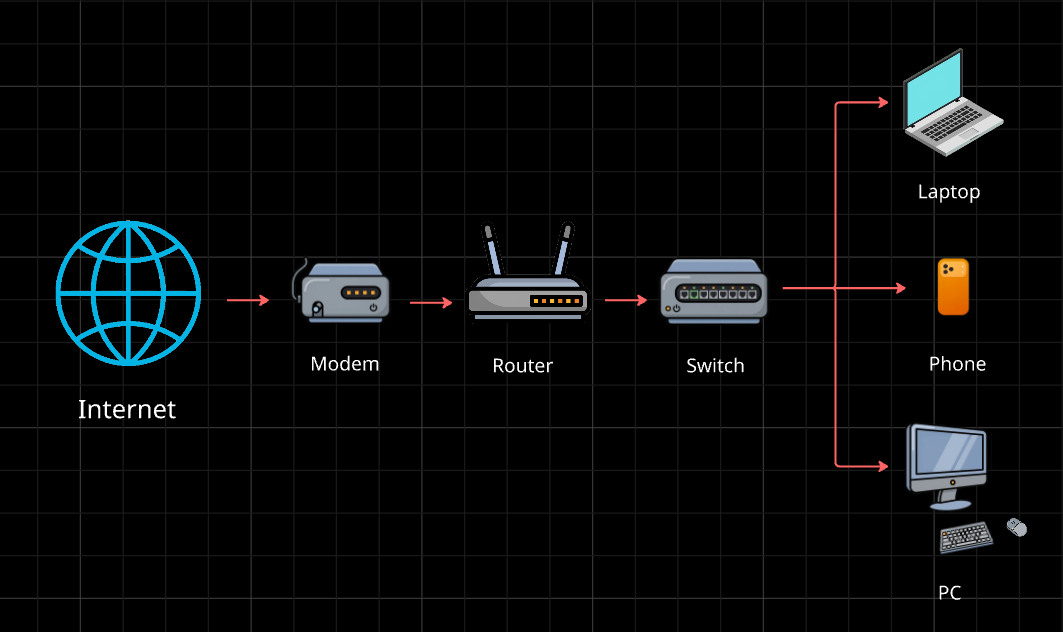
Now let’s meet each one.
Modem: The Translator
Your internet provider sends data through cables or fiber, in a signal format your laptop can’t understand. The modem translates that signal into digital data your devices can use, and back again.
Analogy: the modem is the front door of your house. It’s the only way the outside world gets in. Without it, you have no internet at all.
Router: The Traffic Police
The modem brings the internet in, but who decides which device gets which data? That’s the router.
It gives every device a local IP address, sends the right data to the right device, and forwards your requests out to the internet. It also connects separate networks together, such as your home network and the internet.
Analogy: a traffic police officer at a crossroads, pointing every vehicle in the right direction.
Modem vs Router: The modem connects you to the internet. The router shares that connection among your devices and directs traffic. Many home boxes combine both, which is why people confuse them.
Hub vs Switch: How Local Networks Work
Now you have a router, but what if an office has 50 computers? You plug them all into a device that links them together. There are two types.
Hub: A hub is simple and not very smart. When it receives data, it sends it to every connected device. Everyone gets everything, even if it wasn’t meant for them. That wastes bandwidth and is a security risk.
Switch: A switch is smarter. It learns which device sits on which port (using MAC addresses) and sends data only to the intended device.
Analogy: a hub is a teacher shouting a message to the whole class. A switch is a teacher passing a note to one student. That’s why switches replaced hubs almost everywhere.
Firewall: The Security Gate
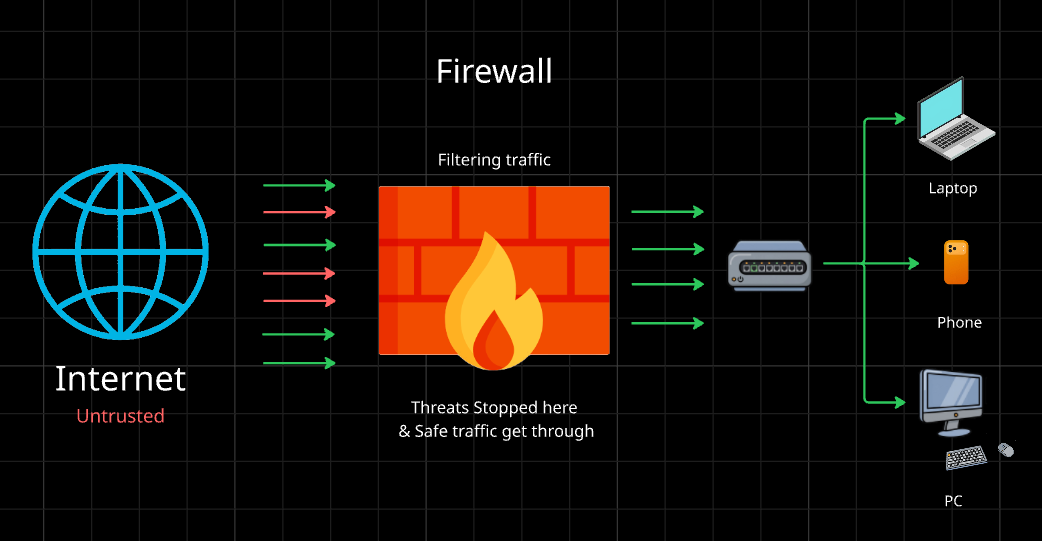
Not everything coming through your network is friendly. A firewall watches traffic and follows rules: allow this, block that.
For example, it can allow web traffic on port 443 and block everything else. It protects your network from unwanted access, and it can also stop your own systems from sending data where they shouldn’t.
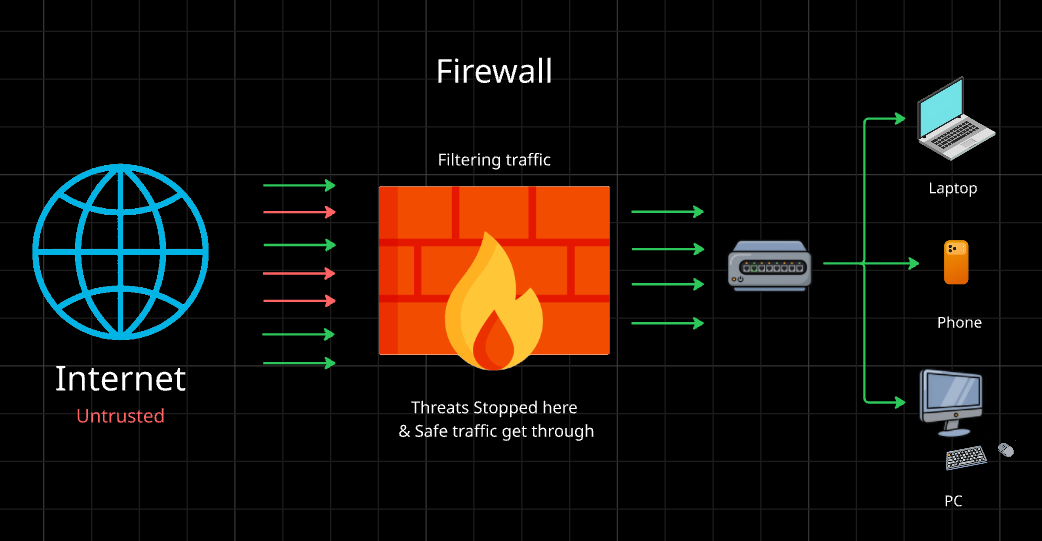
Analogy: a security guard at a gate checking everyone’s ID before letting them in. This is where security lives, and when you hear about “opening a port” on a server, a firewall rule is usually involved.
Load Balancer: The Toll Booth Manager
Imagine your app goes viral and 100,000 users arrive at once. One server can’t handle that. So you run multiple servers, but how do users know which one to hit?
A load balancer sits in front of your servers and spreads incoming requests across them. If one server crashes, it stops sending traffic there, so users never notice.
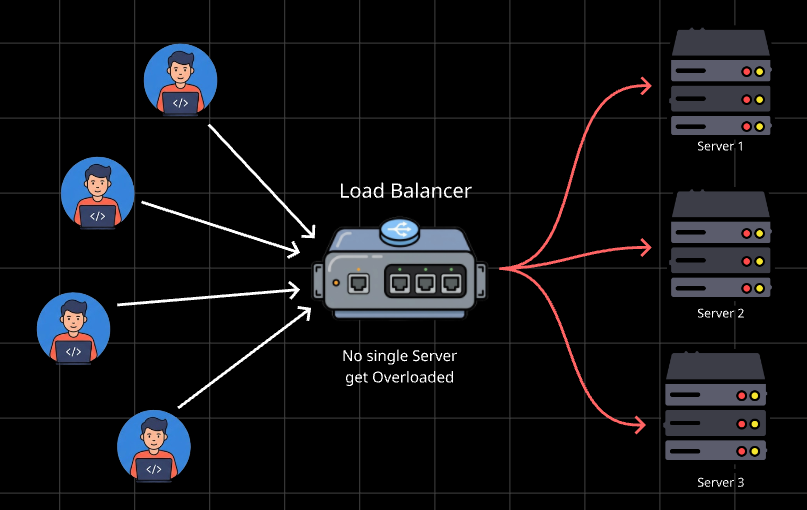
Analogy: a toll plaza with many booths. The manager directs each car to the shortest line. This is why scalable systems need load balancers: they add capacity and reliability at the same time.
How They Work Together
Here’s a real web app setup, in order:
A user sends a request from their phone.
It travels over the internet to your company’s network.
The firewall checks if the request is allowed.
The load balancer picks a healthy server.
The router and switch deliver it inside the network to that server.
The server processes the request and sends the response back the same way.
In real cloud deployments, these exist as virtual services (security groups, virtual routers, managed load balancers), but the jobs are the same.
Why This Matters for Backend Engineers
When you deploy code, you’re deploying into this world. Once you know it, errors stop being scary:
A “connection timed out” error might be a firewall blocking your port. A server that’s down but your site still works? The load balancer is routing around it. An app that works locally but not in production? Networking is the first thing to check.
Wrapping Up
Modem brings the internet in. Router directs traffic. Switch connects local devices smartly. Firewall guards the gate. Load balancer shares the work. Remember those five jobs and you’ll understand how any system gets from your keyboard to your users.
Comments
Join the discussionNo comments yet. Be the first to comment.
Networking Basics
A beginner-friendly networking series for developers. Learn how the internet reaches your code: network devices, DNS, DNS records, and testing it all with curl.